Development Boardsbeginnertroubleshooting
Arduino Not Detected? Fixing CH340C and CP2102 USB Serial Problems
Step-by-step fixes when an Arduino board does not show up as a COM port: cable, driver, chip and board faults on CH340C and CP2102 boards.
By ADIY12 min read
Technical review pending. Figures marked “verify” or “check your part” have not been confirmed against your exact hardware revision. Check the manufacturer datasheet before relying on them in a design.
A board that will not appear as a COM port is the single most common support question we receive, and in most cases the board is fine. This is the diagnostic order that isolates the fault in under ten minutes instead of an afternoon.
1. Understand the chain before you debug it#
Between your sketch and the microcontroller there are five links, and "not detected" can break at any of them. Debugging without knowing which link failed is why this problem eats afternoons.
| # | Link | Fails when |
|---|---|---|
| 1 | USB cable | Cable has power conductors only, no data pair |
| 2 | Host USB port | Hub cannot supply current, or port is faulty |
| 3 | USB to UART bridge chip (CH340C or CP2102) | Driver missing, wrong, or chip damaged |
| 4 | Operating system enumeration | Driver conflict, permissions, or port claimed by another process |
| 5 | Bootloader on the microcontroller | Bootloader corrupted or auto-reset circuit not working |
The important insight is that link 3 is where the two chip families diverge, and links 1 and 2 are where most faults actually live. Most people start at link 3 by reinstalling drivers repeatedly. Start at link 1 instead.
2. The cable, which is the answer more often than anything else#
The fastest test: plug the same cable into a phone. If the computer offers file transfer or the phone reports a data connection, the cable has data lines. If the phone only charges, you have found your fault.
The second fastest test: does your operating system show any new USB device appearing when you plug the board in, even an unrecognised one? If nothing appears at all, the problem is physical, cable or port or connector, and no amount of driver work will help.
3. Identify which bridge chip you have#
You cannot install the right driver until you know which chip is on the board. Two ways to find out.
Read the chip#
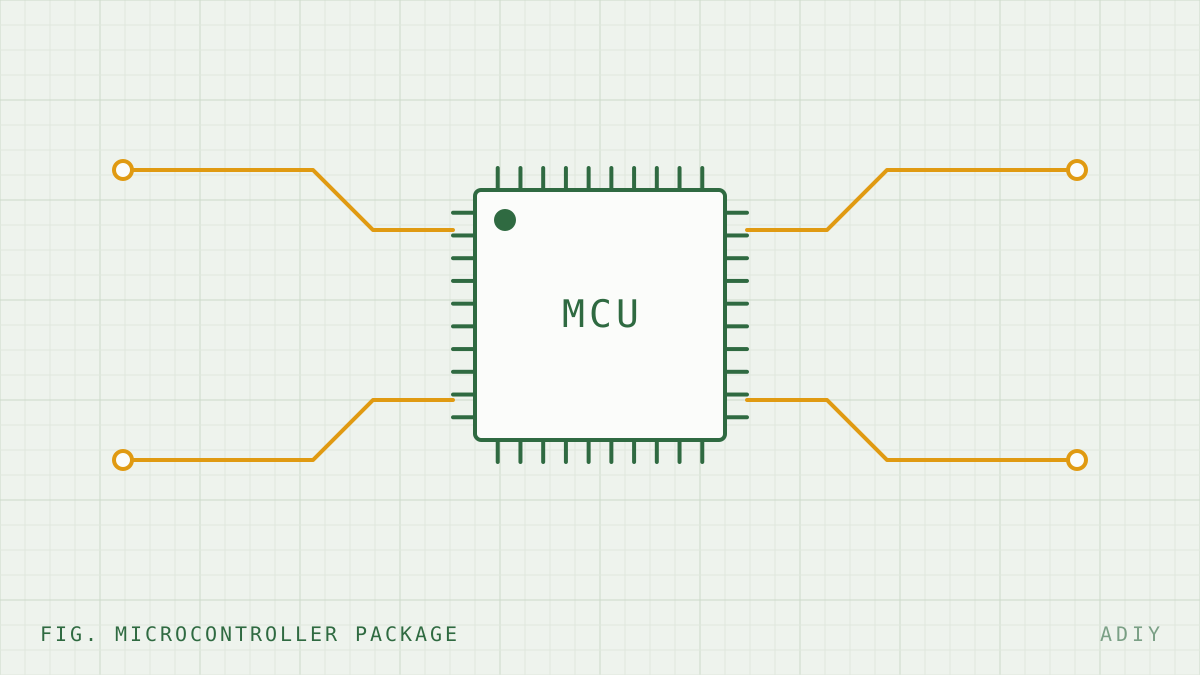
Look at the small IC near the USB connector. It will be marked CH340C, CH340G, CP2102, or on genuine Arduino boards an ATmega16U2. ADIY boards are available in both CH340C and CP2102 variants, and the product listing states which.
Read the USB vendor and product ID#
More reliable, because it tells you what the host actually sees.
| OS | Command or location |
|---|---|
| Windows | Device Manager, find the device, Properties, Details tab, Hardware Ids |
| Linux | lsusb then dmesg | tail -30 immediately after plugging in |
| macOS | System Information, USB section; or ls /dev/tty.* before and after plugging in |
| Chip | Vendor | USB VID:PID | Status |
|---|---|---|---|
| CH340 family | WCH (Jiangsu Qinheng) | 1a86:7523 | Widely documented (source stated) |
| CP2102 | Silicon Labs | 10c4:ea60 | Widely documented (source stated) |
4. CH340C driver installation#
CH340C is made by WCH. It integrates its oscillator on chip, so unlike the older CH340G it needs no external crystal, which is why you see it on more compact board designs.
Windows#
- Download the CH341SER driver package from the WCH official website. It covers the whole CH340 and CH341 family.
- If a previous driver is installed, uninstall it from within the WCH installer before installing the new one. Stacked driver versions are a real cause of failure.
- Install, then unplug and replug the board.
- Check Device Manager under Ports (COM & LPT) for a USB-SERIAL CH340 entry.
Linux#
The ch341 kernel module is included in mainline Linux and generally loads automatically. If the device enumerates but you cannot open the port, the issue is almost always permissions rather than drivers:
# Confirm the device node appeared
ls -l /dev/ttyUSB*
# Check kernel messages right after plugging in
dmesg | tail -20
# Add yourself to the dialout group (Debian, Ubuntu)
sudo usermod -a -G dialout $USER
# On Arch and Fedora the group is usually uucp
sudo usermod -a -G uucp $USER
# Log out and back in for group membership to take effect.
# A reboot is not required but a fresh login is.macOS#
Recent macOS versions include a CH340 driver. If you install a vendor kernel extension, macOS will require explicit approval under Privacy and Security in System Settings, and the device will not work until you grant it and reboot. Check there before assuming the driver failed.
5. CP2102 driver installation#
CP2102 is a Silicon Labs part and uses their VCP, or Virtual COM Port, driver.
- Windows: download the CP210x VCP driver from Silicon Labs. Installation is generally cleaner than CH340 because there is less third party repackaging in circulation.
- Linux: the
cp210xmodule is in mainline and loads automatically. Samedialoutoruucpgroup requirement as above. - macOS: recent versions include support. As with CH340, any vendor extension needs approval in System Settings.
Which should you choose for a new design?#
| Consideration | CH340C | CP2102 |
|---|---|---|
| External crystal required | No, oscillator integrated | No, oscillator integrated |
| Typical BOM cost | Lower | Higher |
| Windows driver | Usually needs manual install | Usually needs manual install |
| Linux and macOS out of box | Generally yes on current versions | Generally yes, longer track record |
| Counterfeit part risk | Present in the market | Present in the market |
| Practical difference for sketch upload | None. Both work. |
For hobby and education use, CH340C is the sensible default and keeps board cost down. For a product going to non-technical end users where you want the fewest possible driver support calls, CP2102 has a marginally smoother history. Neither choice will limit you technically.
6. Port enumerates but upload still fails#
Different problem, different causes. If you can see the COM port but avrdude reports errors, the bridge is fine and the fault is at link 5.
| Error | Likely cause | Fix |
|---|---|---|
not in sync: resp=0x00 | Wrong board selected, or auto-reset not firing | Check Tools, Board matches your hardware. Try pressing reset as upload begins. |
programmer is not responding | Serial monitor or another program holding the port | Close all serial terminals. Check no other IDE instance is open. |
| Upload works once, then fails | Sketch reconfigures the UART pins | If your sketch uses pins 0 and 1, disconnect anything on them during upload. |
| Access denied on the port | Permissions, or port held open | Linux: group membership. Windows: close other applications. |
| Wrong baud, garbage in monitor | Monitor baud differs from Serial.begin() | Match them. Easy to overlook after switching sketches. |
| Fails only with a shield fitted | Shield loads the reset line or the UART pins | Remove the shield, upload, refit. |
7. Ten minute diagnostic flow#
- Does any USB device appear on plug-in? No, go to step 2. Yes, go to step 4.
- Swap the cable for one you have confirmed carries data. Resolved? Done.
- Swap the port. Use a rear panel port directly on the motherboard, not a hub, not a monitor port. Still nothing? Suspect the board's USB connector or bridge chip. Inspect the connector for cracked solder joints under magnification.
- Read the VID:PID. Correct ID present means hardware is good, proceed to driver work. Unknown device or no ID means hardware fault.
- Install the correct driver for your chip, from the vendor. Uninstall any previous version first.
- Check permissions on Linux, and extension approval on macOS.
- Port present but upload fails? Use the table in section 6.
- Still stuck? Try the board on a completely different computer. This separates a board fault from a host configuration problem faster than any other single test, and it is the step people skip.
FAQ#
Why does my Arduino board not show up as a COM port?
In order of frequency: a charge-only USB cable with no data lines, a missing USB to UART bridge driver, a driver conflict from a previously installed version, insufficient USB port power, or a damaged bridge chip. Work through them in that order, because the first two account for the large majority of cases and cost nothing to check.
What is the difference between CH340C and CP2102?
Both are USB to UART bridge chips. CH340C is made by WCH and CP2102 by Silicon Labs, and they need different drivers. CH340C integrates its clock so it needs no external crystal, which simplifies the board. CP2102 has a longer history of native driver inclusion in Linux and macOS. Functionally, for uploading sketches, they are equivalent.
Do I need to install a driver for CH340 on Windows 11?
Often yes. Windows may install a generic driver automatically, but it is frequently outdated or absent for CH340C specifically. Download the current driver from the WCH website rather than from a third party mirror, since third party CH340 driver packages have historically been a vector for bundled unwanted software.
Why does my board appear and disappear repeatedly?
Repeated enumeration and disconnection usually indicates a power or connection integrity problem rather than a driver problem. Try a different cable and a rear panel USB port rather than a hub, and check for a cracked USB connector on the board. On Linux, also check whether the brltty service is claiming the device. A shorted peripheral drawing excess current will also cause the host to cut power and re-enumerate.
How do I check if my USB cable supports data?
Plug the same cable into a phone and confirm the computer offers file transfer. Cables supplied with power banks and small chargers very often have only the power conductors fitted. This single cause accounts for a large share of not detected reports.
Sources#
Sources and further reading#
- WCH (Jiangsu Qinheng), CH340 and CH341 datasheets and official driver downloads.
- Silicon Labs, CP2102 datasheet and CP210x VCP driver documentation.
- Linux kernel documentation for the
ch341andcp210xUSB serial drivers. - Arduino documentation on the auto-reset circuit and upload process.
Products & resources
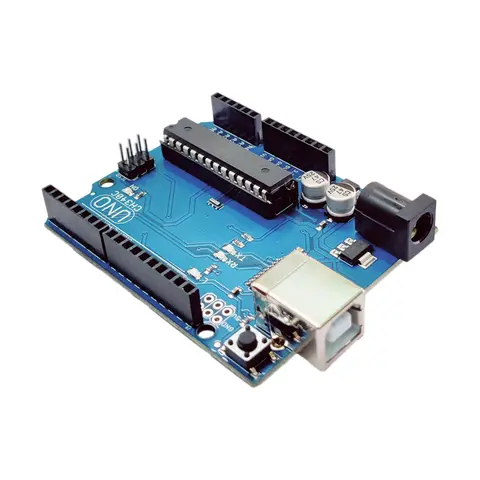
- ADIY UNO R3 – Compatible CH340C Datasheet
- Adiy Uno R3 – Compatible CP2102 Datasheet
- ADIY Nano Datasheet
- ADIY UNO R3 beginners Kit datasheet
Arduino Compatible
UNO R3 (CH340C compatible)
UNO R3 (CH340C compatible) by ADIY The ADIY Uno R3 CH340C ATmega328P Development Board is the low-cost version of the popular UNO R3 Arduino. It contains everything needed to support the microcontroller; simply connect…
₹489
Datasheet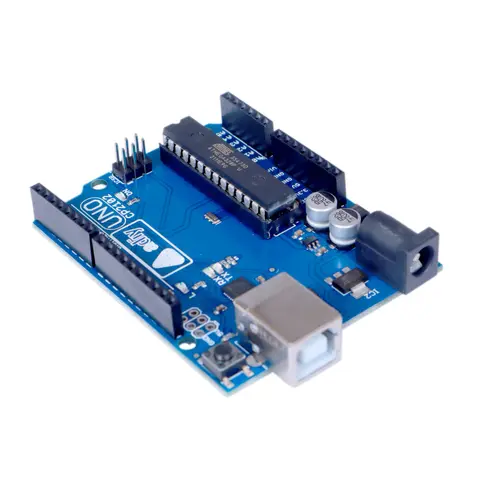
Arduino Compatible
Uno R3 – Compatible CP2102
The ADIY Uno R3 CP2102 ATmega328P Development Board is a cost-effective alternative to the popular Arduino Uno R3. It is designed for beginners and professionals alike, offering robust performance and reliability. Key…
₹552
Datasheet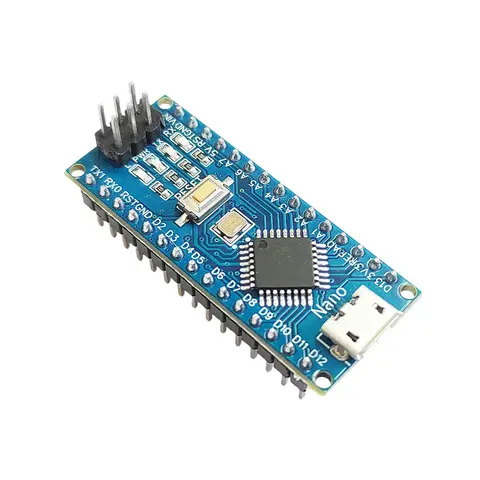
Arduino Compatible
Nano board by ADIY
The Nano CH340C Soldered Board without USB cable functionality is the same as the UNO. Uses for small projects where you don’t need much of a pin-outs but the small size is very important to make it look good. The Nano…
₹353
Datasheet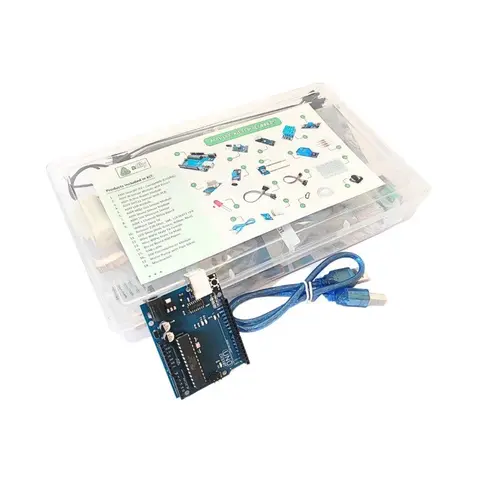
Arduino Compatible
UNO R3 Beginner kit – ADIY
ADIY Uno R3 Beginners Kit is a Stepping Stone for beginners who want to learn about electronic sensors and are excited to make projects. Beginners can learn the basics of UNO programming. Great for Starting with Arduino…
₹1,469
Datasheet
Share